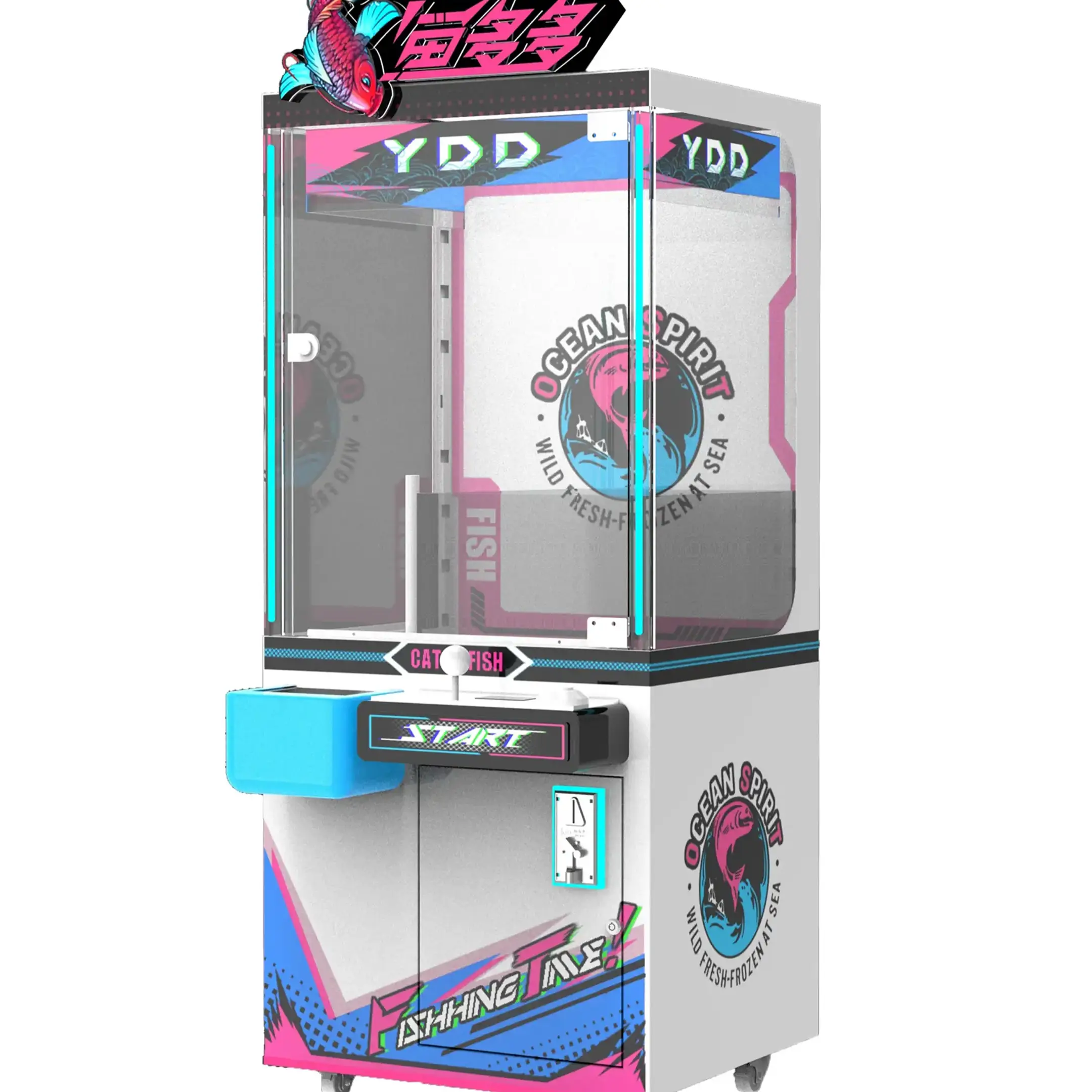
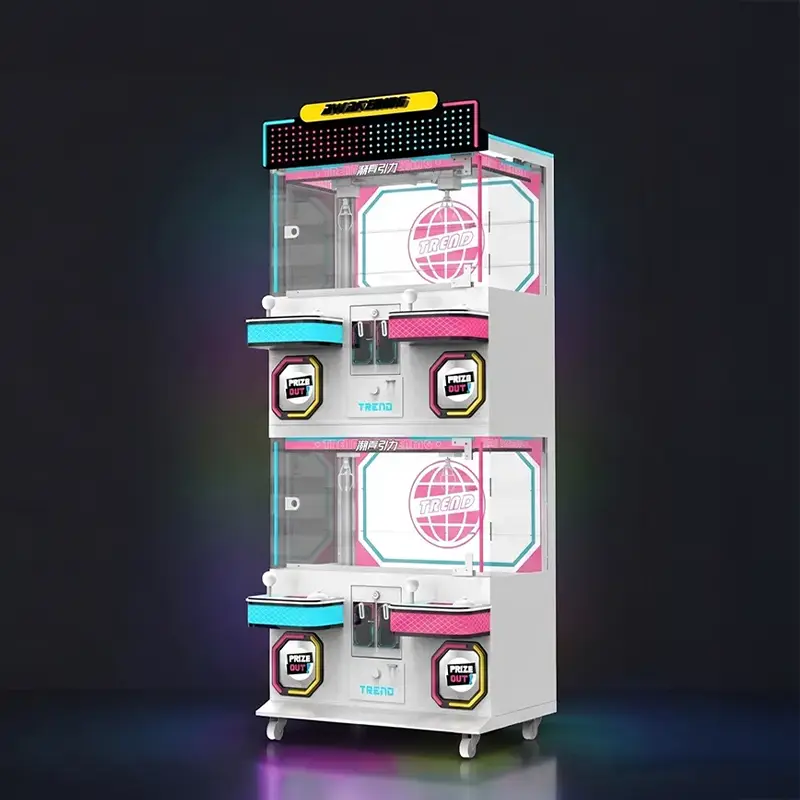
Systematic arcade machine troubleshooting means isolating one subsystem at a time until the failing part has nowhere left to hide. Start at the wall outlet, follow power into the cabinet, and only then open the coin door. An operator who skips that order replaces good parts and still owns a dead machine at closing.
This guide covers the fault families that take cabinets out of service: power, the crane mechanism, payment and controls, and display. Each section names the floor check and the line past which the job belongs to a technician.
Common Arcade Machine Problems
Quyền lực, trưng bày, điều khiển, sự chi trả, and ticket faults cover most cabinet downtime, and each one maps to a short list of first checks.
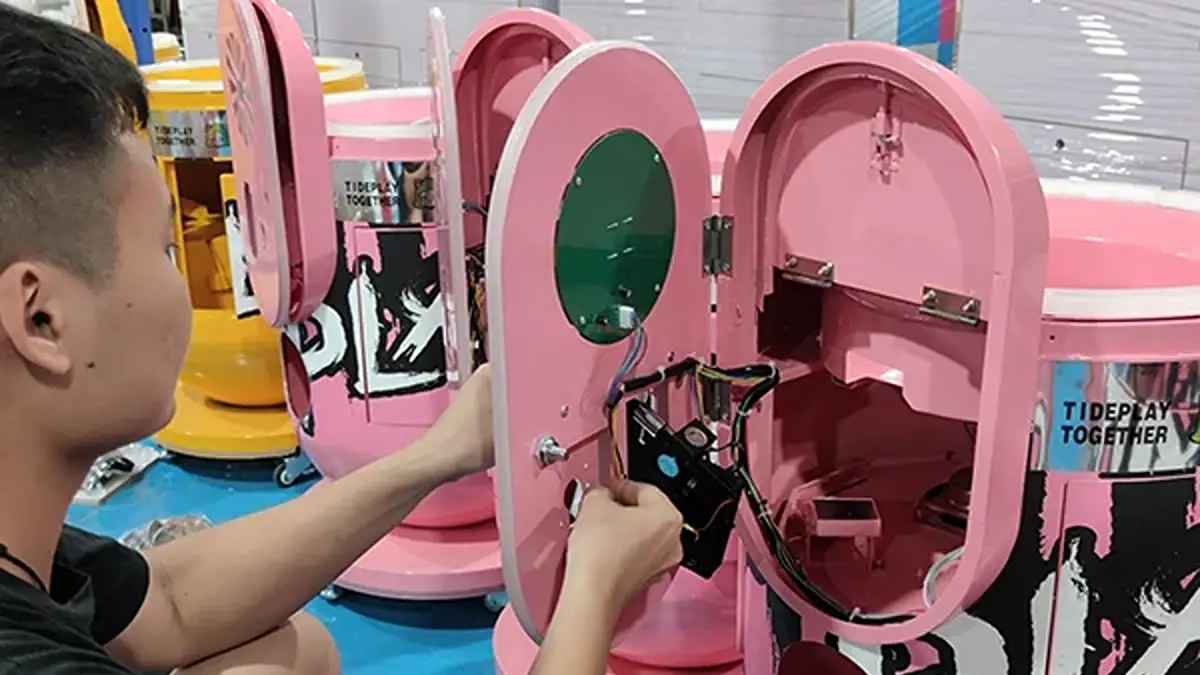
Most cabinets fail at a connection rather than at a chip. Floor vibration works connectors loose, shipping knocks harnesses aside, and a coin door cuts wire every time staff swings it open for a cash run. A digital multimeter, a soft brush, isopropyl alcohol, and a flashlight resolve the majority of those faults without a service call.
| Fault Family | What It Usually Means | First Check | Who Fixes It |
|---|---|---|---|
| Dead cabinet | AC never reaches the supply, or the entry fuse blew | Test the outlet, then the rocker switch and line fuse | Operator |
| Boots, then resets | các +5 V logic rail sags once the board draws current | Measure at the board edge while the game runs | Operator |
| Black screen, live audio | Display power or the video path is broken | Feed the panel a known-good signal | Operator |
| Dead buttons or stick | A worn microswitch, or one broken ground-chain link | Run the input test in service mode | Operator |
| Rejects valid money | Dirty optics, glazed rollers, or debris in the path | Clean the sensors and recalibrate the acceptor | Operator |
| Credits, no tickets | The printer connector came loose, or a strip jammed | Reseat the four-pin plug and clear the jam | Operator |
| Weak or dead marquee | A failed lamp, starter, or ballast | Trace the lighting tap back to the supply | Operator |
| Faults after delivery | A connector shaken loose during shipping | Reseat every board and harness plug | Operator |
Treat that last row as a commissioning step. Log the symptom, machine, and location before you open anything, since many arcade machine troubleshooting cases on newly installed cabinets begin with a connector that traveled loose.
Claw Machine Troubleshooting
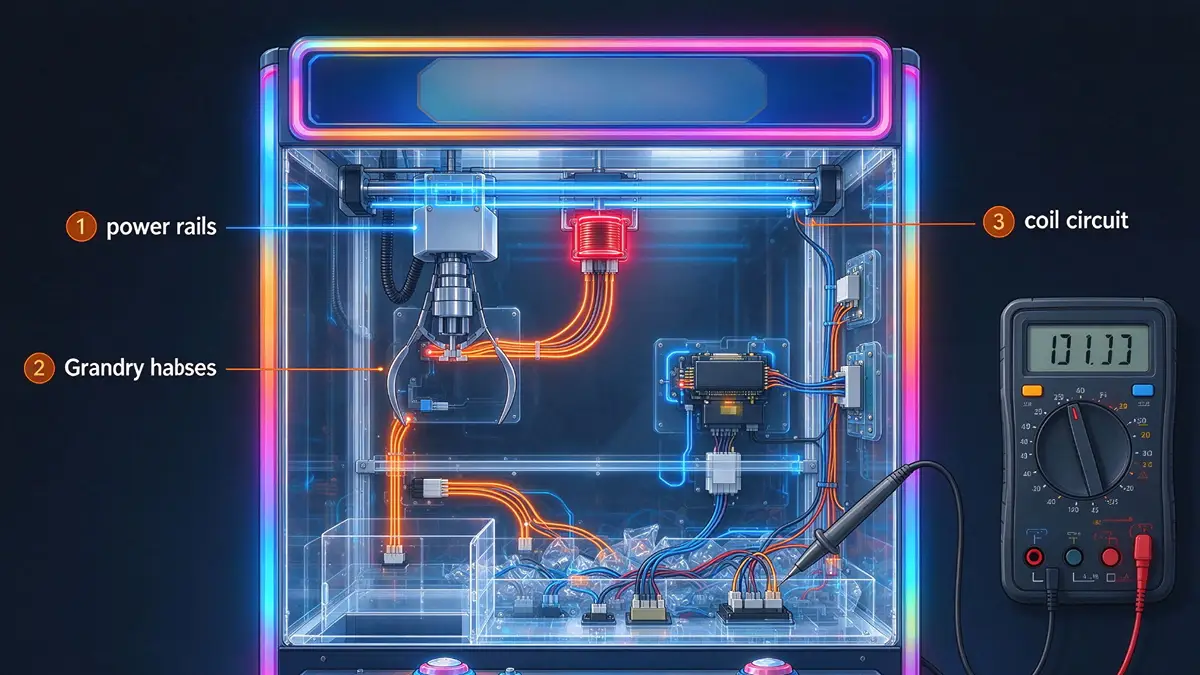
Crane faults trace mostly to the power rails, the gantry harness, and the coil circuit, and all three are testable at the cabinet.
A crane that goes dark mid-play or drops a prize on the travel home is reporting a mechanical or supply problem more often than a dead board. On a standard commercial claw machine, the carriage and its coiled cord carry the wear.
Start at the Power Rails
Confirm the outlet with a lamp or meter before you blame the cabinet. Check the line fuse at the AC entry and the glass fuses on the internal distribution board. Note each one’s amperage and blow type before you replace it.
Then measure DC at the board edge with the game running under load. Healthy logic wants roughly 4.95 V to 5.15 V at the connector. A rail below that window produces the resets, frozen attract screens, and ghost inputs that operators blame on the board. Forcing the rail past 5.15 V cooks the logic instead. Trim the supply a fraction of a turn, or replace one that will not hold.
- Power cycle first: leave the cabinet off for 30 seconds to clear a locked board or a stale error state before any other step.
- Read the coil supply too: claw magnets and gantry motors commonly run from the 12 V line, and some builds use 24 V or 48 V. Check the label on your own machine rather than assuming.
- Two blown fuses is a fault: a repeat blow means a short or a pinched wire. Never fit a higher-amp fuse to stop it.
Gantry, Rails, and Carriage Motion
Grime on the rails makes the motors pull more current than the supply feeds, and the carriage shudders or stalls mid-travel. Wipe the old grease off both rails, lay back a thin film of light lubricant, then tension the belts until they stop slipping under your thumb.
- Coiled cord: the flex harness that rides with the carriage fatigues at its tightest bend. Test continuity from the gantry connector out to the claw housing, and replace the cord rather than splicing it.
- Limit switches: the blade switches at each end of travel bend out of shape after years of hits. One that never closes throws a self-test error at boot. A pair of pliers resets the blade.
- String routing: a claw that hangs crooked or swings at rest will drop early. Correct the routing and the pulleys before you touch grip settings.
Weak Grip: Electrical Fault or Payout Setting
Decide which one you have before you open the profit menu. With the cabinet unplugged, measure resistance across the electromagnet coil leads and compare it with a known-good coil of the same rating.
An open circuit or a dead short condemns the coil. A lone number proves nothing, because crane coils are wound for several voltages and the healthy value moves with the rating. Once coil, cord, and supply rail are proven good, weak grip is a setting and not a fault.
Crane boards dial pickup strength and carry strength separately, so a machine can close firmly then relax on the travel home. That split shapes your payout rate, so changing it changes revenue math. Của chúng tôi claw machine software guide walks those menus.
Prize Chute and Drop Sensors
A prize that clears the claw and stalls at the chute loses the win twice. The player watched the drop, and the machine never counted it. Check the chute slope for curled plastic, free jams by hand rather than with a screwdriver, and wipe the optical drop sensor. Dust there turns wins into silent losses.
The Maintenance That Prevents the Call
Walk the floor weekly: confirm credit recognition, look for a carriage sitting off-square, and watch one play to see the claw close evenly. Once a month, check belt tension and test each fuse for continuity rather than trusting the eye. The full schedule sits in our arcade machine maintenance guide.
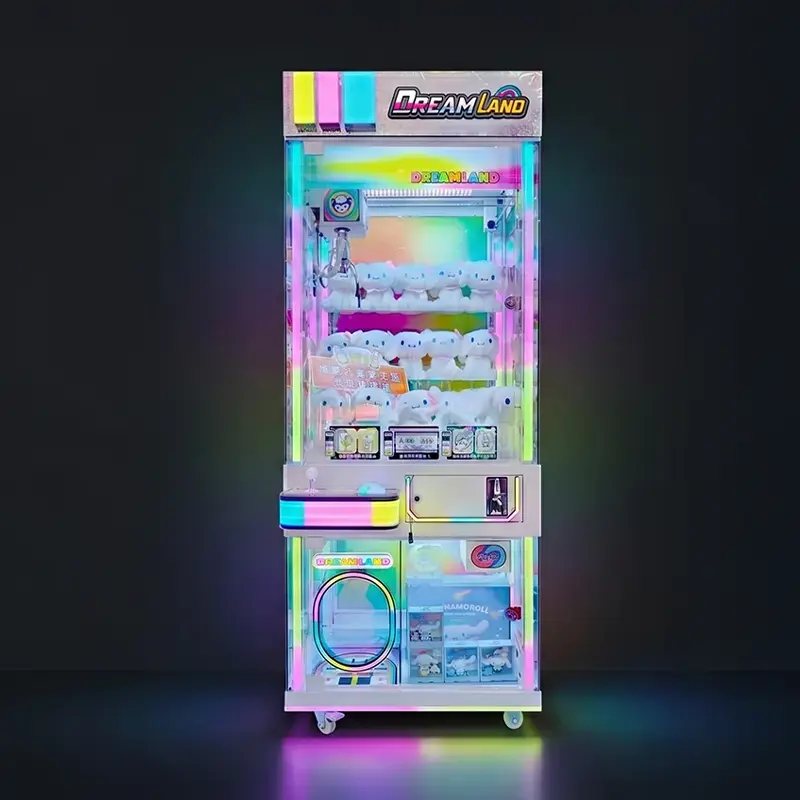
Maximize Revenue With Premium Claw Machines
Payment and Control Problems
Payment and input faults stop revenue at the same instant, and both trace first to contamination, then to wiring, then to configuration.
When a cabinet rejects good money or ignores a pressed button, work outward from the coin door. Payment faults dominate the arcade machine troubleshooting log on any route, and most of them clear at the sensors or the hinge harness.
Coin and Bill Acceptors That Reject Valid Money
- Foreign objects: bent tokens, bottle caps, and torn notes sit in the selector rails and on the bill path. Clear them, then confirm the chute lines up with the gate.
- Optics and rollers: wipe sensor lenses with isopropyl alcohol on a non-abrasive swab. Glazed transport rollers slip on genuine notes, so a rejection wave often means the rollers are finished.
- Calibration: re-set the size sliders on an electronic coin acceptor and retrain its denomination profiles. An untrained acceptor rejects circulated notes and accepts slugs.
- Hinge harness: the bundle through the coin door hinge bends on every cash collection. Look for pinched insulation before you blame the head.
- Acceptor supply: a pulse-interface coin mechanism typically runs on 24 V AC. A cabinet wired for MDB (Multi-Drop Bus) feeds the device from roughly 34 V DC. Wrong supply mimics a mechanical fault.
Ticket Dispensers and Redemption Printer Faults
Ticket handling is where a modern venue earns. One industry interview puts redemption at 65 ĐẾN 70 percent of revenue in a high-performing arcade. A cabinet that plays normally and prints nothing costs more than a dark marquee, and the complaint surfaces at the prize counter rather than in your service log.
- Start at the connector: the four-pin plug at the rear of the printer works loose. That single fault explains most no-ticket reports, so reseat it before opening the mechanism.
- Clear the jam forward: pull the strip out in the feed direction. Hunt the paper path for a torn tail and wipe dust off the media sensor.
- Reset the fault state: most dispensers stay latched after a jam until you press the unit reset or run the printer test from the service menu.
- Check alignment and feed: a skewed exit guide crumples every ticket behind it. Verify the 12 V supply and its fuse, since one pinched door wire stops printer and lighting in the same stroke.
Cashless Readers and Card Credit Faults
Credit that never lands looks like a dead coin mechanism until you separate the game from the payment device. Prove the cabinet plays on a manual credit first. Then check power at the reader harness, confirm the terminal reports online in its own app, and look for an offline queue left by a network drop. Reader firmware and account state belong to your payment provider, so escalate there. Venues still choosing a system can compare options on our payment and management systems page.
Joysticks, Buttons, and Microswitch Wear
- Input test first: every board has a service screen that lights an indicator when a switch closes. Note which inputs stay silent. That list separates one dead switch from one dead wire.
- Ground chain: panel buttons share a daisy-chained ground. One broken link kills a whole bank at once, and the pattern gives it away in adjacent dead inputs.
- Contacts and wear parts: oxidized contacts clean up with alcohol and a hundred presses. Cracked actuators and sagged centering springs cause sluggish travel, and the small part costs less than the assembly.
- Deck alignment: a ball-top joystick shaft must reach each directional switch fully. Re-seat the base hardware before condemning switches.
Wiring, Grounding, and Input Mapping
Wiring that measures solid but reports the wrong input puts the fault in translation. Inspect solder on the input header and the terminal pins. A cold joint opens as the cabinet warms, which is why the fault seems intermittent. Clamp a strain relief where the loom crosses a moving point.
On PC-based cabinets the encoder board has its own configuration utility. Open it, use the key visualizer, and confirm each control sends the code the game expects. Check dead zones, axis inversion, and per-player assignment in the front end, where phantom drift lives. A stale device entry in the operating system can stall the panel, so remove it and let the machine re-detect on reboot.
Display and Lighting Issues
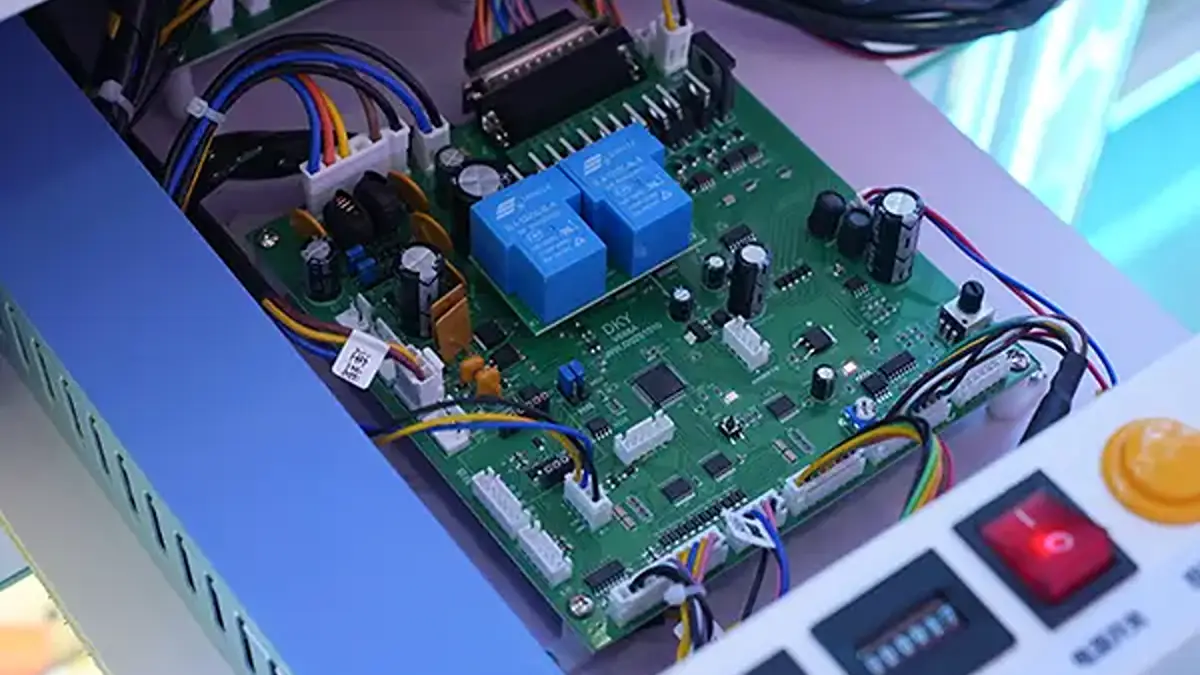
A dark screen and a dead marquee share one root cause: power that never arrives. Prove voltage before you buy a display.
A game that boots with live audio but no picture is playing blind. Substitution beats theory in this part of arcade machine troubleshooting: isolate power, signal, and drive in that order and you rarely buy the wrong part.
LCD Panels and Driver Boards
- Sync and resolution: a multi-game board pushing a mode the panel will not accept shows a scrambled or blank screen behind a healthy backlight. Set a standard output mode and retest.
- Substitute the source: feed the panel from a device you trust. Picture on that panel moves the fault upstream to the game board or the video cable.
- Backlight and power board: a screen you can only read with a flashlight points at the backlight circuit. Internal ribbon cables also loosen in transit, so reseat them.
- Panel damage economics: cracked glass, dead lines, and bloom need a whole monitor. Weigh that against a board-level repair first.
CRT Chassis: Where the Operator Stops
Legacy cathode-ray tube cabinets still run rooms, and still carry lethal voltage. Dim focus corrects at the flyback transformer. A color cast often clears after you reseat the neck-board video connector and clean the adjustment pots.
Vertical collapse, a shrunken picture, and rising hum point at the deflection stage and its output IC. Aging electrolytic capacitors cause the flicker and rolling that make a set look cursed. Those are chassis repairs, not floor work. A CRT holds a dangerous charge after you pull the plug, so keep the cabinet on an isolation transformer and send the chassis out.
Marquee, Coin Door, and Cabinet Lamps
- Match the circuit, not the number: arcade lamp type 161 is a 14 V bulb run on the 12 V line. Type 555 is a 6.3 V bulb run on 5 V. Both are under-driven on purpose so the filament lasts.
- Fluorescent marquees: a flickering tube usually wants a starter or ballast, and both are inexpensive. An LED retrofit needs its own low-voltage feed plus a diffuser to kill hot spots.
- Trace back to the supply: lighting that dies across the whole cabinet means one shared tap or one fraying loom, not two lamps failing together.
Audio Faults That Read as Display Failures
Sound with no picture is a display problem. Picture with no sound is an audio path, and the leading cause costs nothing to fix: board volume parked at zero inside a service menu after someone browsed settings. Check that first, then follow the speaker wire for a cut near the door hinge.
When Professional Service Is Needed
Stop your own repairs the moment a job opens a high-voltage chassis, a board-level solder joint, or a fuse that blows a second time.
Every hour spent on a cabinet is an hour that cabinet earns nothing. Experienced operators set a hard rule for arcade machine troubleshooting: two attempts on the floor, then escalate. That discipline protects the machine, your staff, and the warranty.
Red Flags That Mean Stop
- Fuses that blow twice, or a breaker that trips on the same circuit.
- A burning smell, discolored components, or a supply that runs hot to the touch.
- Any work inside a CRT chassis, including the anode and the power section.
- A board that stays dead after reseating, cracked solder you can see, or a boot that never completes.
- Amplifier, scaler, or driver-board faults that need hot-air tools and a steady hand.
- The same fault returning after two of your own repairs.
What to Send the Factory
Support moves faster when the first message already carries the evidence. Send the model and serial number plus the site’s measured line voltage. Then add your meter readings at the rails you checked, the point in the play cycle where the fault appears, and a short video showing the failure. One photo of the open cabinet shows the connector no description would mention. TKY answers technical requests within 12 giờ, so documentation settles faults on the call instead of in a crate.
Spare Parts, Warranty, and Downtime Math
A stocked kit turns a two-week outage into a ten-minute swap. Keep fuses in their printed ratings, công tắc micro, a claw assembly, a spare coil, drive belts, both lamp types, a coin acceptor, and one power supply per model. Fit every fuse at the rating the cabinet specifies.
Build quality decides the size of that shelf. Our hardware turntable design is documented as reducing failure rates by 35%, and that gap shows up as service hours rather than as a spec line. Confirm warranty terms in writing before a bulk order: which parts are covered, how claims ship, and whether wear items count. Ordering a sample unit to inspect answers those questions better than a datasheet.
Câu hỏi thường gặp
What are the most common arcade machine problems?
Power faults, display and audio faults, worn control inputs, rejected payment, and stopped ticket printers. Each family has a short first-check list in arcade machine troubleshooting: outlet and fuses, then rail voltage under load, then connectors and sensors. Connectors shaken loose during shipping cause much of the fault volume on new cabinets.
Why does my claw machine drop prizes near the top?
Test electrical before settings. Check the electromagnet coil against a known-good coil, verify continuity on the coiled cord, and confirm the coil supply holds voltage during travel. With those proven, weak grip is a payout setting. Pickup strength and carry strength adjust separately on most crane boards.
How do I fix a machine that rejects good bills?
Clear the bill path of torn notes and debris, wipe the optical sensors with isopropyl alcohol, and inspect the transport rollers for glazing. Glazed rollers slip on genuine currency. Finally confirm the acceptor sees the right supply: 24 V AC for pulse, roughly 34 V DC for MDB.
My machine credits but prints no tickets. What first?
Reseat the four-pin connector behind the printer, since that loose plug explains most no-ticket faults. Then clear any jam by pulling the strip in the feed direction and remove torn tail pieces. Press the dispenser reset, and run the printer test in the service menu to confirm the mechanism counts again.
When should an operator stop and call for service?
Stop before opening a CRT chassis, before board-level soldering, and after a fuse blows a second time. The two-attempt rule also applies to any fault that keeps returning. Send model, serial, your meter readings, and a short video so support can diagnose remotely instead of shipping parts blind.
suy nghĩ cuối cùng
Downtime is a buying decision as much as a repair one. A cabinet built for continuous public use, documented down to its rail voltages and fuse ratings, gives your staff a fault tree they can work. An unverified build hands them a black box and a parts bill that grows every quarter.
If you are specifying machines for a route or a venue, order sample units, run them on your floor, then build the spare-part kit around what actually wears. Ask your supplier how they support arcade machine troubleshooting after delivery, since that answer sets your uptime.