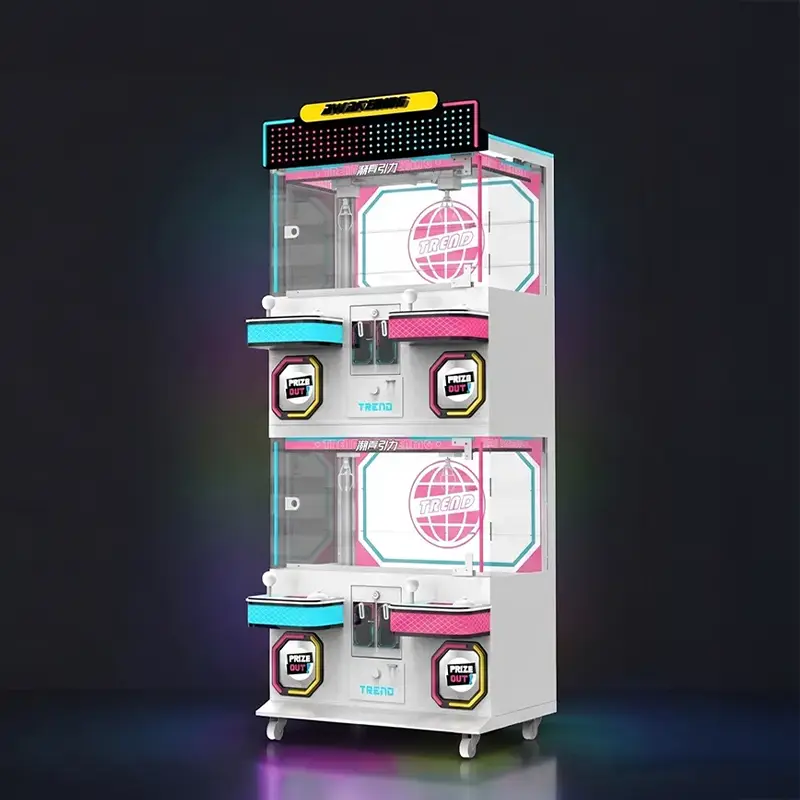
A structured arcade machine maintenance guide can help reduce unexpected downtime and protect venue profitability. When popular games go offline during peak periods, operators may lose revenue and affect the customer experience. Without routine servicing, technical staff are more likely to rely on emergency repairs, increasing maintenance costs and disrupting daily operations.
This guide outlines practical maintenance procedures for power systems, displays, controls, and payment components. Following these procedures can help operators identify problems earlier, reduce avoidable downtime, and manage long-term repair costs more effectively.
Why Regular Arcade Machine Maintenance Matters
Regular arcade machine maintenance helps protect uptime, reduce avoidable revenue losses, and extend the service life of commercial arcade equipment.
When an anchor game goes dark on a busy Saturday night, you lose both player trust and immediate cash flow. Implementing a structured arcade machine maintenance routine is one of the most effective ways to keep equipment available during peak traffic periods. Neglecting basic servicing forces you into a reactive cycle of emergency repairs, which destroys profit margins.
Protecting Revenue and Minimizing Costly Downtime
A dark screen cannot collect coins or swipe cards. Keeping games online during peak hours requires proactive checks rather than waiting for parts to break down.
- High-Traffic Protection: Scheduled servicing keeps games running during high-traffic weekend and holiday hours when the venue generates the majority of its weekly income.
- Revenue Loss Prevention: Effective preventative measures can prevent revenue losses linked to unexpected downtime.
- Operational Efficiency: A consistent service schedule helps teams plan technician time, prioritize repairs, and maintain more predictable venue operations.
Extending Cabinet Lifespan and Reducing Repair Costs
Arcade cabinets represent a significant capital investment. Keeping internal electronics cool and mechanical parts calibrated directly impacts how long that investment yields returns.
- Hardware Longevity: Consistent upkeep adds roughly five years of operational service to cabinet hardware, deferring expensive capital expenditures for replacements.
- Slashed Repair Bills: Identifying wear early can help reduce the risk of major failures and keep repair expenses more predictable.
- Component Protection: Routine adjustments to coin acceptors, displays, and buttons prevent complete component failure that leads to total machine shutdown.
Enhancing Player Experience and Venue Reputation
Players expect immediate response when they interact with a machine. Any physical friction or lag instantly breaks immersion and deters repeat play.
- Responsive Controls: Clean, highly responsive joysticks and buttons eliminate frustrating gameplay lag and stickiness.
- Visual Appeal: Well-maintained screens and clear displays present a professional, high-quality image that builds player trust.
- Repeat Visits: Smooth gaming sessions directly support repeat visits, customer retention, and positive local reviews that drive new traffic.
Preventing Mechanical Wear and Safety Hazards
Public-facing electronics demand strict safety standards. Wear and dirt are not just operational issues; they pose physical risks to your players and facility.
- Thermal Management: Frequent cleaning of ventilation fans and interior dust prevents dangerous overheating and thermal shutdown.
- Electrical Safety: Inspecting wiring configurations minimizes fire risks and electrical shocks for players.
- Issue Tracking: Documenting historical issues in a maintenance log ensures chronic mechanical faults are resolved permanently rather than repeatedly patched.
Common Arcade Machine Problems and Solutions
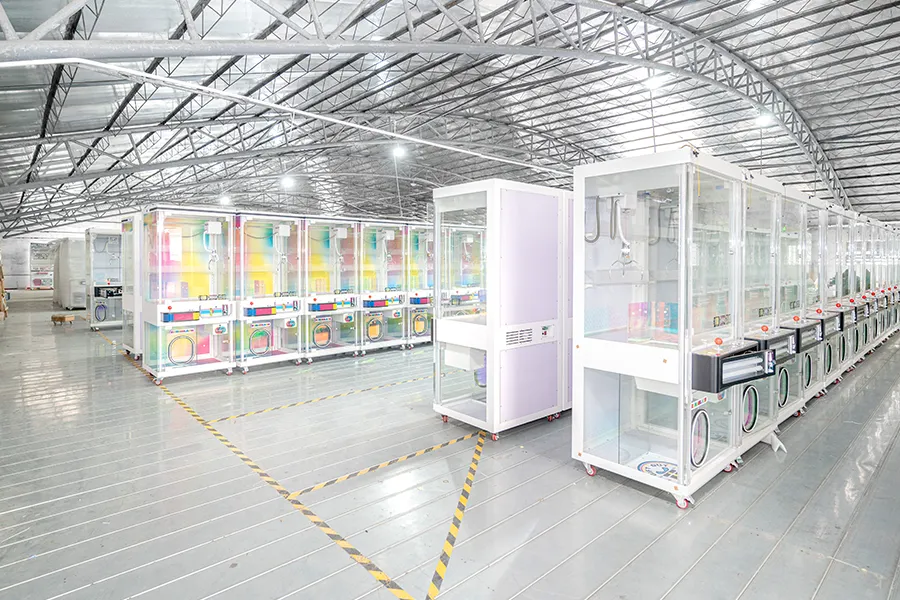
Most cabinet failures trace back to power, displays, controls, or payment mechanisms. Isolating these subsystems systematically reduces downtime and protects daily venue revenue.
When high-use machines sit idle, operators may lose revenue and staff time. A systematic diagnostic process helps identify common arcade machine problems before minor faults lead to longer downtime or more costly repairs.
| Problem Area | Key Causes | Practical Solutions |
|---|---|---|
| Power & Board | Blown fuses, sagging power supply unit (PSU) rails, loose PCB connectors | Test the AC outlet, verify fuses, measure DC outputs under load, and reseat game logic boards. |
| Display & Screen | Loose video cables, dried-out CRT capacitors, failing LCD driver boards | Check cables and display connections; use a known-good monitor to isolate faults. Leave CRT chassis repairs to qualified technicians due to high-voltage risks. |
| Player Controls | Dirty contact pads, oxidized switches, broken wiring ground loops | Clean with isopropyl alcohol, replace worn microswitches, and verify harness ground continuity. |
| Payment Systems | Coin pathway debris, ticket dispenser sensor dust, misaligned entry chute | Unplug the machine, clear path jams, wipe validator sensors, and check sensor alignment. |
Troubleshooting Power and Logic Board Failures
A dead cabinet often stems from straightforward electrical interruptions. Before diving into complex circuit diagnostics, technicians should verify raw incoming power and follow a logical path to the logic board.
- AC Input Verification: Test the wall outlet for active power and verify the cabinet rocker switch is fully on before checking the main fuses.
- DC Rail Diagnostics: Check the +5V, +12V, and -5V outputs with a multimeter to verify stable power supply performance.
- Logic Board Inspection: Reseat the game board, inspect the PCB for swollen capacitors or burnt solder joints, and use built-in diagnostic modes to isolate firmware errors.
Resolving Screen and Video Display Problems
Display errors immediately alienate players and signal venue neglect. Isolate monitor hardware issues from game board output to determine the most cost-effective recovery path.
- Connection Checks: Inspect and firmly reseat all video signal and power cables to eliminate simple sync or color loss errors.
- Component Diagnosis: Have CRT capacitor or flyback faults checked by a qualified technician. For LCDs, compare power board, driver board, and panel repair costs before replacement.
- Substitution Testing: Connect a known-good external monitor to the cabinet output to instantly confirm if the issue sits with the chassis or the game board.
Fixing Unresponsive Buttons and Control Inputs
High-traffic controls take relentless physical abuse daily. Sluggish buttons or dead joysticks require immediate cleaning and mechanical audits to maintain gameplay fluidity.
- Contact Restoration: Use isopropyl alcohol and a cotton swab to clean grime, oils, and oxidation off of the leaf switch or microswitch contact points.
- Mechanical Refresh: Check the physical responsiveness of worn microswitches, return springs, and actuators, replacing any components that fail to register tactile clicks.
- Harness Auditing: Inspect the control wiring harness for loose terminal lugs, pinched wires near hinges, or broken ground loops that cause intermittent input dropping.
Clearing Coin Mechanism and Ticket Dispenser Jams
Payment and prize failures directly block transaction completions and stop the venue’s cash flow. Establish strict safety and cleaning protocols to keep these mechanical pathways clear.
- Safe Obstruction Removal: Always unplug the machine’s power cord before clearing stuck coins, tickets, or physically realigning bent entry chutes.
- Acceptor Calibration: Clean the coin validator path according to the arcade machine manufacturer’s instructions and check the acceptor’s alignment and configuration.
Payment System Maintenance: Inspect token dispensers and card readers for debris or connection issues, and verify payment devices are communicating properly with the management system.
Following a structured maintenance plan keeps machines running, minimizes repair costs, and ensures stable gameplay. By training local staff to perform these fundamental checks, venues can secure higher uptime and extend the operational life of their entire hardware investment.
Boost Revenue with Factory-Direct Claw Machines
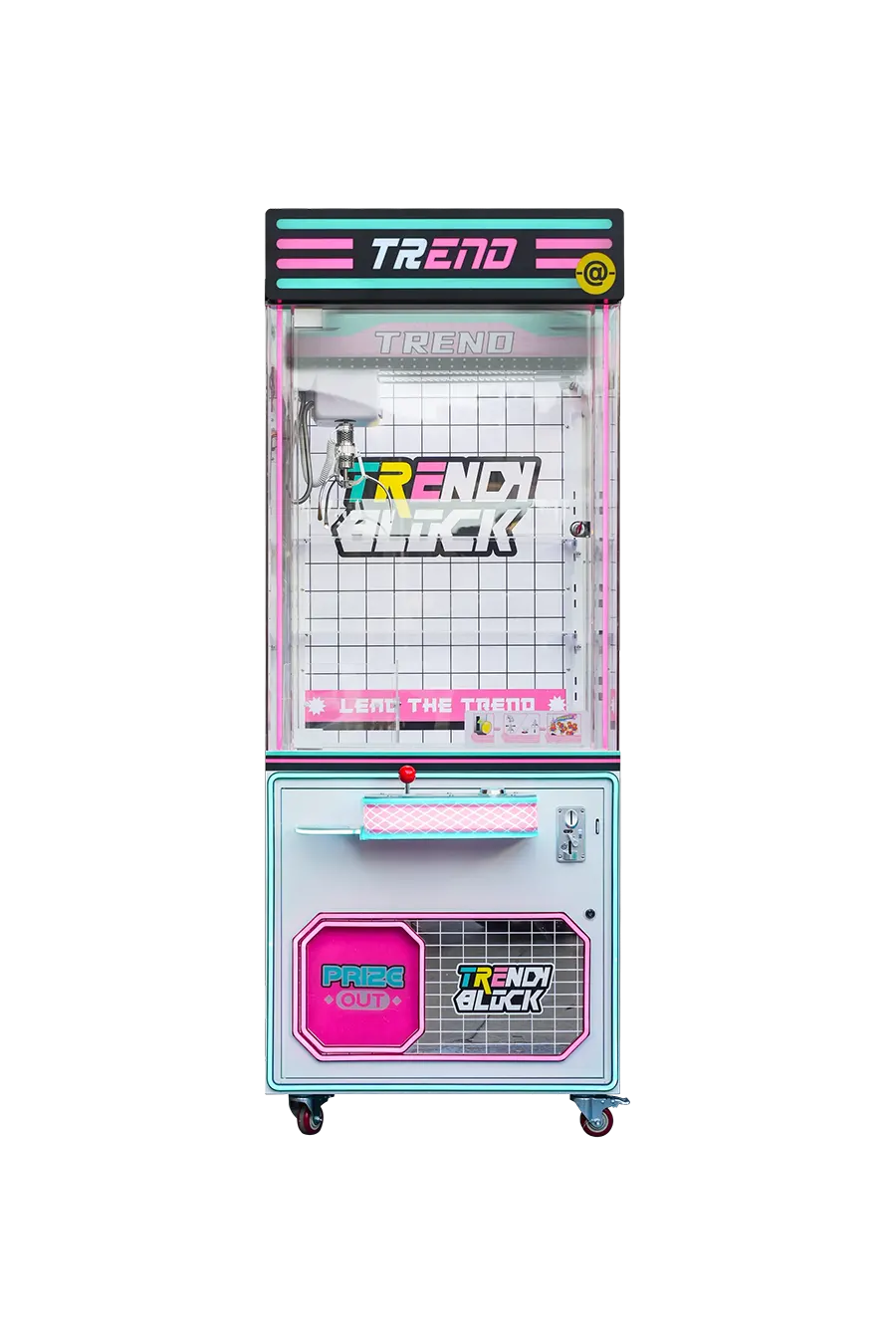
Claw Machine Maintenance Tips for Operators
How much revenue does your route lose when a crane game sits offline during peak weekend hours? Implementing a disciplined protocol for claw machine maintenance keeps your equipment running and protects your bottom-line margins.
A tiered claw machine maintenance program can help reduce avoidable downtime, identify wear earlier, and support more predictable operating costs across different venue types.
Scheduled Maintenance Cadence and Operational Checklists
High-traffic venues subject claw machines to extreme physical strain. Relying on a reactive approach guarantees lost weekend revenue and higher repair costs.
- Structured service log: Tracking daily visual checks, weekly component tests, and monthly deep cleans cuts machine downtime by up to 20%.
- Pre-shift opening checks: Floor staff must test the joystick, claw home return, prize chute clearance, and coin or card system responsiveness before opening the doors.
- Technical diagnostics: Senior technicians execute quarterly and annual calibrations, wire harness integrity checks, and multimeter voltage tests.
Standardizing these routines ensures your route operations remain predictable, transforming potential four-week parts crises into simple, scheduled updates.
Claw Calibration, Tension, and Mechanical Alignment
The claw mechanism is subject to regular wear in older or heavily used units. Misaligned gantries, worn drive components, or unsuitable grip settings can affect movement, reliability, and the overall player experience.
- Grip strength calibration: Set claw strength and payout-related parameters according to the manufacturer’s service documentation and the requirements of local regulations. Record any changes and test the machine after calibration to confirm consistent operation.
- Tension cable inspections: Inspect the entire length of the tension cable regularly for fraying or kinking, replacing the cable immediately if you detect damage.
- Vertical alignment: Ensure vertical claw descent and center alignment over the prize grid by checking gantry rails and wheels for binding or lateral wobble.
Correct alignment prevents cable twist and motor binding, extending the lifespan of your core gantry assembly.
Controls, Electrical Systems, and Payment Validators
Responsive inputs and clean payment paths drive repeat play. If a card reader fails or a joystick microswitch sticks, the machine stops earning immediately.
- Microswitch actuation: Test joystick response and microswitch actuation weekly, keeping spare switches in your field service kit for quick onsite replacements.
- Payment validators: Clean coin validator slots, bill acceptor pathways, and card readers with microfiber cloths to prevent payment jams and transaction errors.
- Internal wiring checks: Conduct monthly visual checks on internal wiring, securing loose harnesses away from moving gantry rails and motor mounts.
Proactive wire management prevents insulation wear and sudden electrical shorts caused by the constant motion of the internal gantry.
Cleaning, Lubrication, and Structural Sanitation
Dust, static, and friction are silent killers of sensitive electronics. Keeping the cabinet clean preserves both player appeal and electrical reliability.
- High-touch disinfection: Wipe high-touch surfaces like joysticks, buttons, and prize doors with non-corrosive disinfectants to maintain physical appeal.
- Interior dust removal: Use compressed air and low-suction vacuums inside the cabinet, keeping liquid-based cleaners far away from sensitive control boards.
- Rail lubrication: Apply light, non-greasy, silicone-based lubricants to gantry rails and claw joints monthly, wiping away old grime before reapplication.
Avoiding heavy, dirt-attracting grease prevents abrasive paste from forming on the rails, protecting your drive motors from overload.
Prize Optimization and Software Settings
Modern claw machines rely heavily on the interaction between physical inventory and software logic. Poor stocking habits and extreme settings accelerate mechanical fatigue.
- Playfield stocking: Keep the playfield appropriately stocked to prevent the claw from scraping the bottom or overreaching, which accelerates mechanical wear.
- Difficulty settings tuning: Tune game difficulty settings carefully, avoiding continuous maximum-strength claw tension that burns out coils and motors.
- Software and IoT monitoring: Utilize manufacturer calibration software and IoT cloud dashboards to track play patterns, run firmware updates, and backup system configurations.
Balancing mechanical tension with well-planned firmware settings keeps your payout rates accurate while shielding the gantry motors from continuous maximum stress.
Spare Parts and Technical Support Requirements
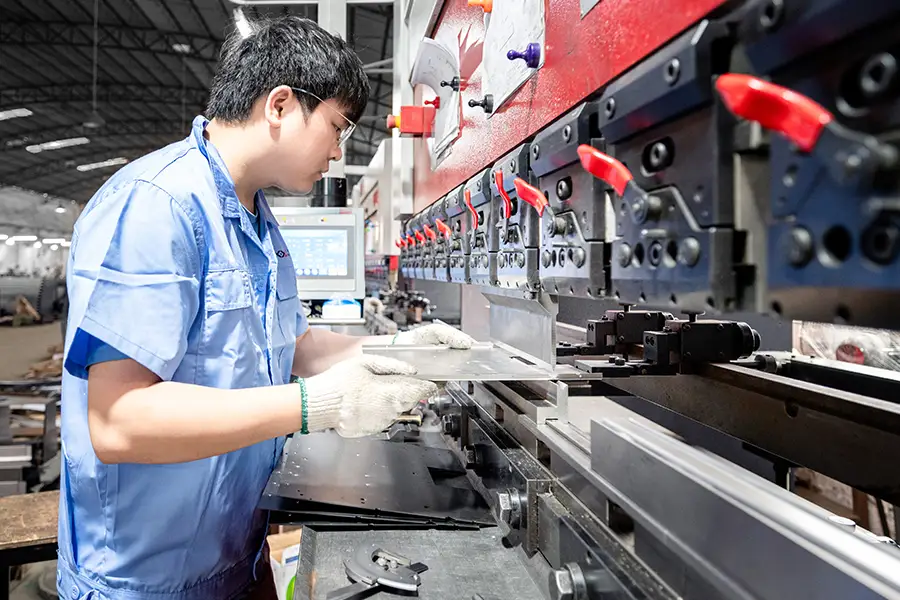
Keeping commonly used coin acceptors, controls, fuses, and power supplies on hand can shorten repair time when a high-use machine develops a fault.
How much daily revenue does your arcade floor lose when a key machine goes offline over a minor payment or sensor issue? A proactive arcade machine maintenance plan helps prevent these avoidable outages before they affect your operating margins.
Core Spare Parts Categories for Arcade Cabinets
To keep a game floor profitable, operators must segment their inventory by component function. Focus on parts that directly interact with players or process money, as these fail most frequently under heavy use.
- Coin Handling and Payment: Stock electronic coin validators, optical sensors, hopper motors, and ticket dispenser drive wheels to protect your primary cash inflows.
- Player Interface Devices: Keep microswitches, joystick shafts, return springs, leaf-switch buttons, and zero-delay USB or JAMMA interface encoders ready for fast swaps.
- Display and Video Subsystems: Maintain flyback transformers and deflection capacitors for older CRT monitors, alongside replacement power or driver boards for modern LCDs and safe cleaning kits.
- Power Distribution: Store standardized, swappable switching power supplies delivering +5V, +12V, and -5V rails, fast-blow and slow-blow fuses, and surge suppressors.
- Mechanical Components: Secure common cabinet locks, cabinet hinges, drive belts, gear sets for moving parts, and replacement LED marquee lighting.
Designing a Strategic Inventory Program
Buying spare parts at random wastes working capital. A structured inventory program matches your parts stock directly to the actual failure risks on the game floor.
- Baseline Stocking: Prioritize high-wear parts such as mechanical switches, fuses, and payment-system components. Set minimum stock levels based on machine count, failure history, supplier lead times, and component criticality.
- Component Standardization: Standardize on specific pushbutton brands, joystick models, lock barrels, and power supply units across your cabinets to simplify tracking and secure volume discounts.
- Critical vs. Non-Critical Categorization: Separate revenue-stopping components like coin acceptors and power supplies from non-critical items like cosmetic decals and marquee plastics to keep storage costs low.
- Verified Sourcing: Match exact manufacturer part numbers using official catalogs or trusted arcade parts distributors to prevent voltage or mounting misalignments.
Internal Diagnostic Tools and Troubleshooting Workflows
Speeding up your Mean Time to Repair requires on-site technical readiness. When local staff can isolate faults immediately, you bypass expensive service call-outs.
- Diagnostic Toolkit: Equip your repair bench with a digital multimeter, wire strippers, crimp terminals, and a soldering iron with lead-free solder.
- Centralized Documentation: Keep printed or digital copies of service manuals, wiring schematics, exploded diagrams, and error code sheets readily accessible.
- Power-First Workflow: Train staff to test AC outlets and measure DC output rails on the power supply under load before swapping individual boards or peripheral switches.
External Support Channels and Third-Party Repair
No internal team can fix every issue. Building a reliable external network ensures that rare, complex failures do not permanently retire expensive hardware.
- Manufacturer Support: Contact factory support lines to troubleshoot obscure error codes, obtain firmware updates, and confirm physical component revisions.
- Specialized Third-Party Partners: Outsource advanced tasks—like CRT monitor chassis recapping, complex logic board repairs, and motor gear rebuilds—to independent bench repair specialists.
- Operator Communities: Utilize industry forums and technical boards to cross-reference equivalent part numbers and study known failure patterns for older games.
Operational Best Practices and Preventive Maintenance
Preventive care minimizes overall part consumption. A machine that is regularly cleaned and inspected physically breaks down less often, which naturally stretches your maintenance budget.
- Scheduled Cleaning and Lubrication: Use compressed air and non-abrasive cleaners on coin paths weekly, and apply light silicone lubricant sparingly on moving gears and rails to prevent motor strain.
- Centralized Maintenance Logging: Track every machine by serial number, recording service dates, error codes, and replacement parts to spot chronic component failures early.
- Electrical Safety Protocols: Always unplug cabinets before opening panels, and strictly verify DC voltage outputs with a multimeter after any power supply replacement to protect sensitive logic boards.
Frequently Asked Questions
How often should arcade machines be maintained and what schedule should operators follow?
To ensure proper arcade machine maintenance, operators should follow a tiered preventive maintenance schedule. Daily checks include cleaning exteriors, verifying control responsiveness, and checking display screens before opening. Weekly audits involve diagnostic testing of coin mechanisms, card readers, buttons, and running built-in game tests. Monthly or scheduled technical service may include dust removal, control inspection, and electrical checks performed according to the manufacturer’s instructions.
What are the primary reasons claw machines stop working?
Claw machines typically stop working due to power supply failures, mechanical wear, control faults, and sensor issues. Blown fuses, loose connectors, or drifting voltages prevent startup or cause random resets. High-use mechanical parts like claw assemblies, drive motors, belts, and gears wear down, leading to weak grips, slipping, or uneven movement. Solenoid cords can get misaligned or frayed inside the gantry, while dirty prize sensors can halt payout sequences. Regular cleaning, lubricating joints, and keeping an on-site stock of claw springs and drive belts prevent these common mechanical failures.
Which arcade machine parts experience the highest failure rates?
The most failure-prone parts include switched-mode power supplies (PSUs), CRT monitor chassis capacitors, control input microswitches, and payment processing hardware. Drifting voltages on the +5 V and +12 V lines of a PSU cause logic errors, while dried-out capacitors in old monitors create display flicker and sync issues. Heavy player interaction wears out joystick microswitches, springs, and button contacts within 1 to 2 years in busy venues. Additionally, coin acceptors and bill validators frequently jam or reject currency due to dirty optical sensors, bent guides, or worn transport rollers.
What is the proper procedure for cleaning arcade cabinets and controls?
Always turn off and unplug the machine before cleaning. Use dry microfiber cloths and soft brushes to clear dust from vents and interior areas. Clean painted or laminated exterior surfaces using a microfiber cloth lightly dampened with a mild detergent solution, making sure no moisture enters cabinet seams. For glass and monitor screens, use ammonia-free screen cleaners applied directly to the cloth—never spray the display directly. Clean high-touch controls, joysticks, and button crevices using cotton swabs dampened with isopropyl alcohol to remove accumulated skin oils and sanitization residue.
How long do commercial arcade machines typically last?
The service life of a commercial arcade machine varies widely by cabinet design, component quality, operating hours, environment, and maintenance practices. Well-maintained equipment may remain in service for many years, while machines exposed to heavy traffic, heat, dust, or unstable power may require major component replacement sooner. Operators should use the manufacturer’s service guidance and condition of the cabinet when planning refurbishment or replacement.
Can software-related issues on modern arcade systems be resolved remotely?
Yes, logical software errors, configuration glitches, corrupt game files, and setting issues can be diagnosed and resolved remotely if the cabinet has secure network connectivity. Technicians can push software patches, run diagnostic utilities, reset configurations, and reload software files via remote desktop tools or vendor management portals. But physical issues often mimic software errors; for example, unstable power supply voltages or loose wiring harnesses can cause system reboots and crashes. These underlying physical faults require on-site testing with a multimeter and manual hardware adjustment.
Can operators source replacement parts directly from arcade manufacturers?
Manufacturers can supply genuine replacement parts, depending on model availability and support status. For newer models, operators can source parts directly from the manufacturer or authorized distributors. Suppliers may also offer spare-parts packages covering common wear items, payment components, and power supplies. For discontinued or unsupported machines, operators may need compatible aftermarket, reproduction, or used parts from specialized third-party suppliers.
Final Thoughts
Choosing reliable, commercial-grade arcade cabinets from the start can reduce unexpected downtime, maintenance costs, and premature equipment replacement. Proactive maintenance then helps keep your machines operating reliably during peak traffic and protect long-term revenue.
Review our latest product catalog to compare build specifications and available configurations, or contact our engineering team to discuss custom OEM solutions for high-traffic venues.